
You have spent time building your website, choosing the right colors, writing your content, and making everything look professional. You finally publish it, open Google, type your business name into the search bar, and discover that your website is nowhere to be found.
Does that mean something is wrong with your website? Not necessarily.
A newly published website does not automatically appear in Google Search immediately. Google needs to discover your pages, access them, and decide whether to add them to its search index. Even after indexing, your website may not rank prominently for the searches you care about.
The good news is that you can take practical steps to help Google discover your website and understand its content. You do not need to be an SEO expert or a professional developer to get started.
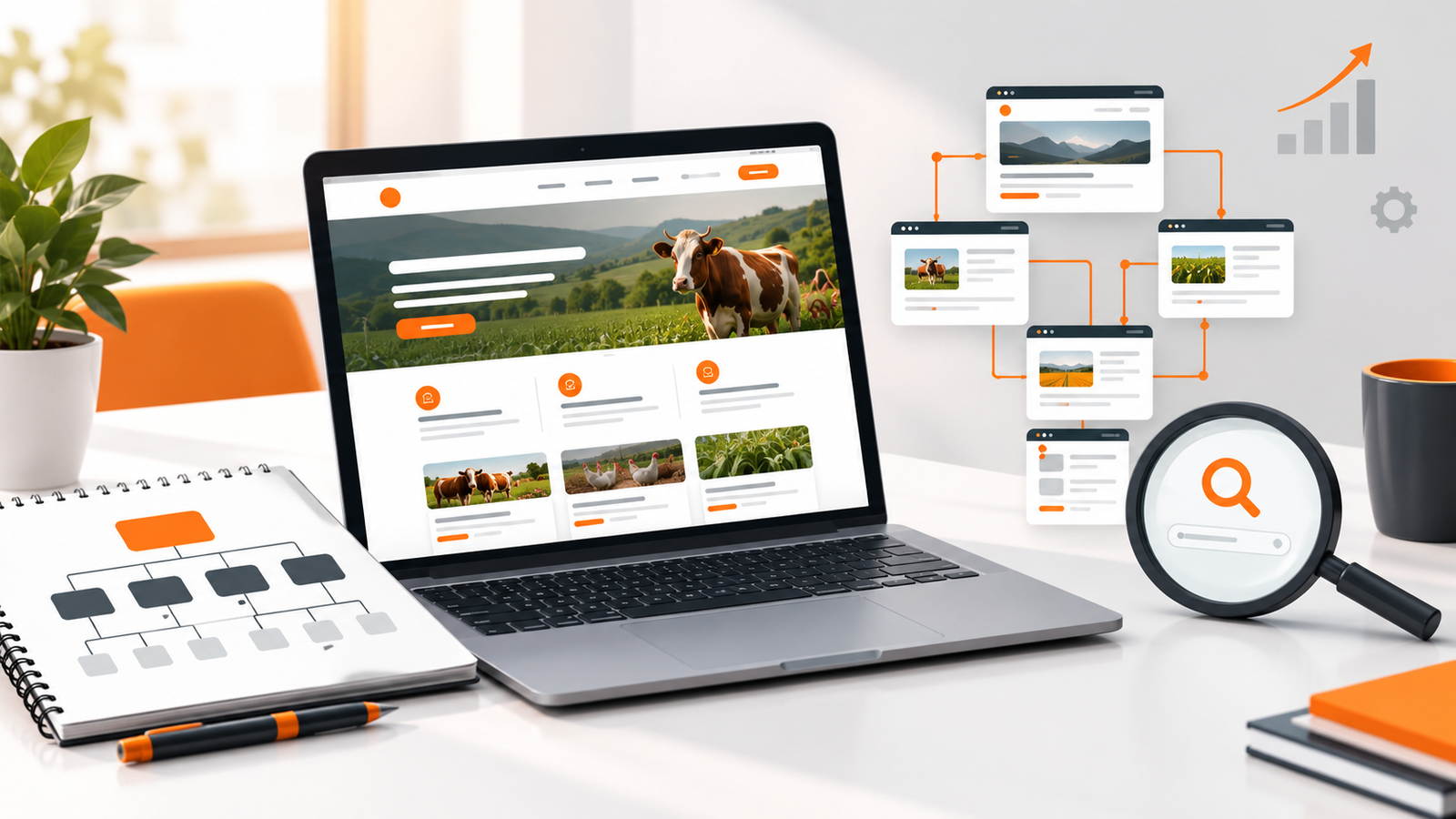
In this guide, we will explain how to get your website on Google, how to use Google Search Console, how to submit a sitemap, how to troubleshoot common problems, and what you can do to improve your chances of attracting visitors.
The short answer
To help Google find your website, make sure it is publicly accessible, create a Google Search Console property, verify ownership, submit your sitemap if available, and request indexing for important pages. Then publish useful content, fix technical problems, and monitor your search performance. These steps help Google discover your pages, but they do not guarantee indexing or a particular ranking.
1. Understand the difference between indexing and ranking
Before trying to get your website on Google, it helps to understand three related processes: crawling, indexing, and ranking.
Crawling: Google discovers your pages
Google uses automated systems, commonly called crawlers, to discover publicly accessible web pages and retrieve their content. Google may find a page through links from other pages, a sitemap, or other discovery mechanisms.
If Google has not discovered your website yet, it may simply need more time or additional signals to find it.
Indexing: Google considers your page for its search index
After discovering and crawling a page, Google analyzes its content and decides whether the page should be included in its index.
Not every page that Google crawls will be indexed. Duplicate content, technical directives, access problems, and the overall usefulness of a page can affect the process.
Ranking: Google determines where your page appears
Indexing does not guarantee that your website will appear near the top of search results.
When someone searches Google, its systems determine which results are most relevant and useful for that particular search. Your position can vary depending on the query, competition, location, language, and many other factors.
Remember these three terms
Crawling: Google discovers and retrieves a page.
Indexing: Google processes the page and may include it in its index.
Ranking: Google determines where the page may appear for a search.
Understanding this difference will help you troubleshoot the right problem. If your website is not indexed, focus on discovery and technical accessibility. If it is indexed but receives few visitors, you may need to improve your content, relevance, and search visibility.
2. Make sure your website is ready for Google
Before submitting your website to Google, check that people can actually access it.
This sounds obvious, but several common website settings can prevent search engines from accessing or indexing pages.
Check that your website is publicly accessible
Open your website in a private or incognito browser window. Confirm that the homepage loads without requiring a login, entering a password, or accessing a private network.
If you have just purchased a domain, verify that it points to the correct website and that the required DNS settings have been configured.
Make sure HTTPS works correctly
Your website should use HTTPS with a valid security certificate. Test the secure version of your domain and check that visitors are not receiving certificate warnings.
Also, decide which version of your website should be the main one, such as the version with or without www. Configure redirects and canonical URLs appropriately so that different addresses do not create unnecessary duplication.
Check whether search engines are blocked
Website builders and content management systems sometimes provide settings that discourage search engines from indexing a site while it is under development.
Check that you have not accidentally left a setting enabled that prevents indexing.
Also review your website's robots.txt file and the indexing directives on important pages. A robots.txt file controls crawler access to URLs, while a noindex directive tells search engines not to include a page in their index when they can access and process that directive.
These mechanisms are different. Blocking a page in robots.txt is not a reliable way to remove it from Google's index.
Quick check
If your website was built on a staging address or is still under development, make sure the published version is accessible before requesting indexing. Otherwise, you may spend time troubleshooting Google when the actual problem is that the website is not ready to be crawled.
3. Set up Google Search Console
One of the most useful free tools for website owners is Google Search Console.
It helps you understand how Google interacts with your website. You can inspect individual URLs, submit a sitemap, monitor indexing reports, and review search performance when sufficient data is available.
Visit the official Google Search Console website to get started.
Step 1: Add your website
Sign in with your Google account and add a property for your website.
Google Search Console generally offers two property types:
- Domain property: Covers the domain and its subdomains and protocols. Verification generally requires a DNS record.
- URL-prefix property: Covers URLs under the specific prefix you enter. It offers several supported verification methods, depending on the site and configuration.
For example, a domain property for example.com can cover its supported subdomains and HTTP or HTTPS versions. A URL-prefix property for https://example.com/ covers that specific URL prefix.
Step 2: Verify ownership
Google needs to confirm that you control the website before giving you access to its Search Console data and tools.
Follow the verification instructions displayed for your selected property. Depending on the method, you may need to add a DNS record, upload a verification file, add a supported HTML tag, or use another available method.
If your domain uses a hosting provider or domain registrar, follow its instructions for adding DNS records. Be careful not to delete existing DNS records that your website or business email needs.
Step 3: Open your Search Console dashboard
Once verification is complete, select your property in Search Console.
You can use the dashboard to examine indexing information, submit your sitemap, and inspect specific URLs.
Search Console is not a guarantee of traffic, but it gives you useful evidence about how Google is discovering and processing your website.
4. Submit your sitemap to Google
A sitemap is a file that provides information about URLs on your website that you want search engines to discover.
Many content management systems and website builders generate XML sitemaps automatically. The sitemap address often looks like one of these examples:
Common sitemap locations
https://example.com/sitemap.xml
https://example.com/sitemap_index.xml
These are examples, not guaranteed locations. Your website may use a different path, so check your platform's documentation or sitemap settings.
How to submit a sitemap
- Open your website's sitemap address in a browser and confirm that it loads.
- Sign in to Google Search Console and select the correct website property.
- Open the Sitemaps section.
- Enter the sitemap path requested by the interface.
- Submit it and check the reported status.
A sitemap can help Google discover URLs, especially on larger websites or sites with pages that are not well connected through internal links. However, submitting one does not guarantee that every listed page will be crawled or indexed.
If your website has only a few well-linked pages, Google may discover them without a sitemap. Nevertheless, having a correct sitemap is generally a useful part of maintaining a website.

5. Request indexing for important pages
If you have just published an important page, you can use the URL Inspection tool in Google Search Console to check its status and, where available, request indexing.
This is particularly useful when launching a new website, publishing a major service page, or making substantial improvements to an existing page.
Follow these steps
- Open Google Search Console.
- Select your website property.
- Enter the full URL of the page in the URL Inspection field.
- Review the information Google provides about the URL.
- If the page is eligible, use the available option to request indexing.
If Google reports that the URL is already indexed, a new request may not be necessary.
If the URL cannot be indexed, read the reported issue and investigate it before submitting another request.
Important: Requesting indexing is not a shortcut to ranking
Google does not guarantee that a submitted URL will be indexed. Repeatedly requesting indexing for the same unchanged page will not force Google to include it or rank it higher. Fix technical issues and improve the page when necessary.
6. Create useful pages that Google can understand
Getting your website discovered is only part of the process. Your pages also need to provide value to the people searching for information, products, or services.
Consider a small business that offers website design. A homepage that says only "Welcome to our website" provides little information about what the company does.
A page that explains its website development services, target customers, project process, and ways to get in touch gives visitors much more useful information.
Give every important page a clear purpose
Your homepage should explain your business. Your service pages should describe specific offerings. Your contact page should make it easy for customers to reach you.
If you publish blog articles, answer genuine questions your audience asks instead of creating pages solely to repeat keywords.
Use descriptive page titles
A page title should describe the page's main subject. For example, "Website Design Services for Small Businesses" is more informative than "Page 2."
Avoid using the same generic title across every page. Make titles specific, readable, and relevant to the content.
Organize content with headings
Use a clear heading structure to divide longer pages into logical sections. Headings help readers navigate the content and help search engines interpret its organization.
Write naturally instead of stuffing keywords
Include the words your audience is likely to use when searching, but do not repeat them unnaturally in every paragraph.
Google's goal is to return useful results. Write primarily for people, provide accurate information, and make it easy for readers to understand the page.
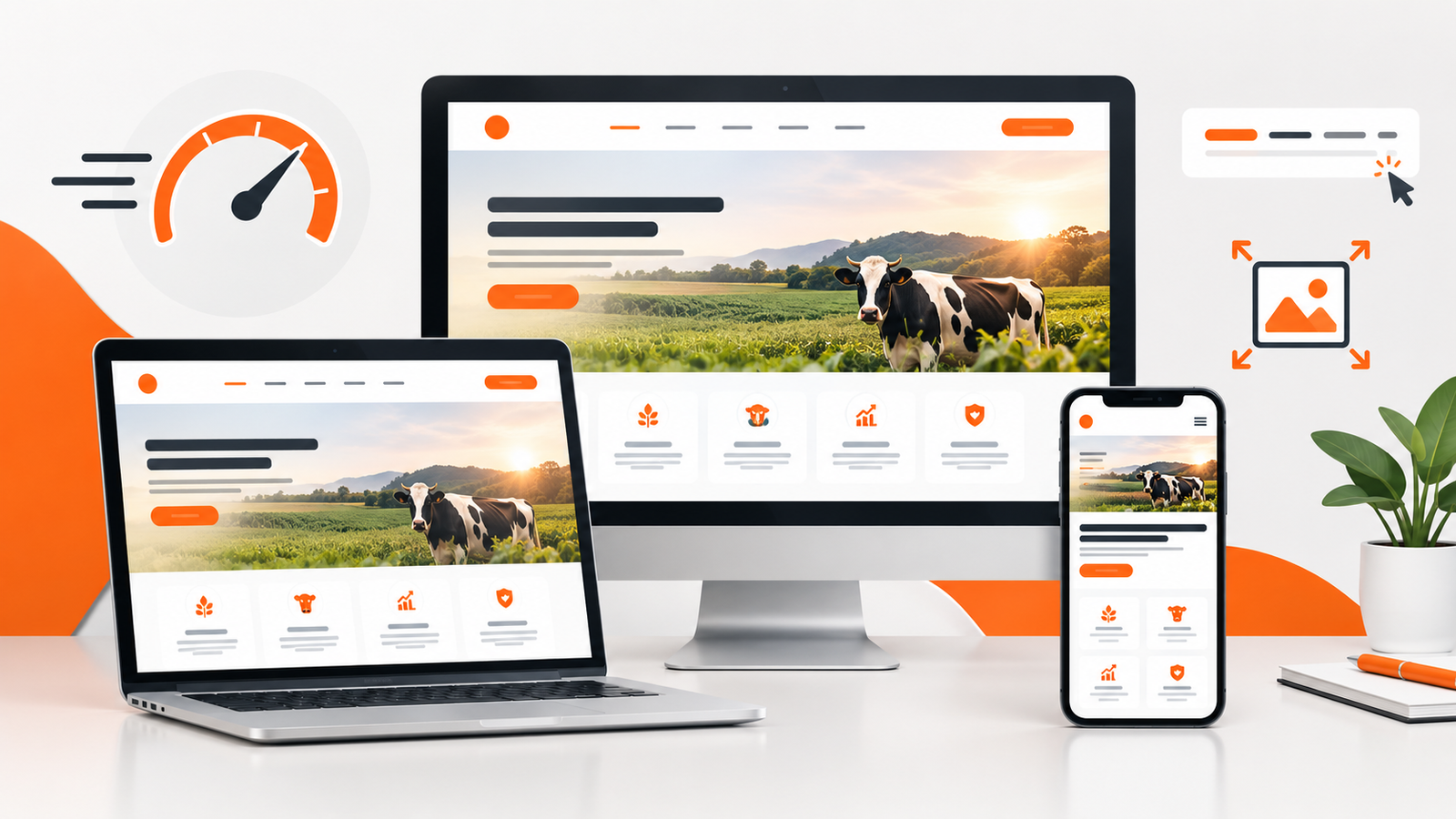
7. Make your website mobile-friendly and fast
Your website should work well on phones, tablets, and desktop computers.
Mobile usability is important because visitors may discover your business on their phones and expect to read your content, contact you, or complete a purchase without difficulty.
Review the following areas:
- Text is readable without zooming in.
- Buttons and links are easy to tap.
- Navigation works on smaller screens.
- Images do not create unwanted horizontal scrolling.
- Forms are easy to complete on a phone.
- Important content is accessible without disruptive pop-ups.
Improve loading performance
Large images, unnecessary scripts, and poorly configured website components can slow down your pages.
Compress images, avoid unnecessary extensions, and use the performance tools provided by your platform or hosting provider.
You can test your website with Google PageSpeed Insights. The tool provides performance measurements and suggestions for improvement.
Do not focus exclusively on achieving a perfect numerical score. Prioritize improvements that make your website faster, more stable, and easier for real visitors to use.
8. Help Google discover your website through links
Links help search engines discover pages and help people navigate the web.
You can improve your website's discoverability by connecting your pages logically and making your website visible through legitimate channels.
Add internal links
Link related pages together. For example, a blog article about website security could link to a relevant website maintenance service page.
Internal links help visitors find related information and provide search engines with additional ways to discover your pages.
Share your website through relevant channels
Add your website to your business profiles, social media pages, email signature, and other relevant places where customers already interact with you.
If your business serves customers in a particular area, keep your business name, address where applicable, phone number, and website details consistent across relevant directories and profiles.
Earn genuine links from other websites
Useful resources, original research, practical guides, and strong business partnerships can help other relevant websites discover and reference your content.
Avoid buying links intended to manipulate rankings or participating in link schemes. Focus on earning relevant references because your website provides something useful.
9. Set up your local business presence on Google
If you operate a business that serves customers in a particular geographic area, local search visibility may be especially valuable.
For eligible businesses that interact with customers in person, a Google Business Profile can help display business information across Google Search and Google Maps.
Depending on your business model, you may be able to provide information such as:
- Your business name and category.
- Your website and contact information.
- Your opening hours, where applicable.
- Your service area, if eligible.
- Photos and updates relevant to your business.
Follow Google's eligibility requirements carefully. Online-only businesses are not automatically eligible for a Business Profile simply because they have a website.
Keep your information accurate and complete, and follow the platform's guidelines. A Business Profile can support local visibility, but it does not guarantee a particular position in local results.
10. Check whether your website is indexed
One quick way to investigate your website's visibility is to use Google's site search operator.
Enter a search such as:
site:example.comReplace example.com with your actual domain.
If Google returns pages from your website, that is a useful indication that some of your content is indexed.
However, the results are not an exhaustive or perfectly reliable index report. If no results appear, it does not conclusively prove that Google has not indexed any of your pages.
For a more detailed diagnosis, open Google Search Console and use URL Inspection to check individual pages. Review the Page Indexing report for broader information about your website.
These tools can help you distinguish between pages that are not discovered, pages that have been crawled but not indexed, and pages that have been indexed but are not attracting much search traffic.
11. Common reasons your website is not appearing on Google
If you have followed the initial setup steps but still cannot find your website, investigate the possible causes below.
Your website is new
Google may need time to discover and process a new website. There is no guaranteed indexing deadline, and submitting a sitemap or requesting indexing does not force an immediate result.
Your pages are blocked from indexing
Check for unintended noindex directives, access restrictions, or configuration problems that prevent Google from processing your pages as intended.
Your website has technical errors
Server errors, broken URLs, redirect problems, invalid certificates, and other technical issues can interfere with crawling or indexing. Use Search Console and your hosting provider's tools to investigate.
Your content offers little unique value
Pages containing very little useful information, duplicated content, or material that adds little beyond existing results may not be indexed or may struggle to perform well.
Improve the content by answering the visitor's question thoroughly, providing original examples, and removing unnecessary repetition.
You are searching for a very competitive phrase
Your website may be indexed without appearing prominently for broad terms such as "website design" or "digital marketing."
Try searching for your exact business name or a distinctive page title, then use Search Console to examine the queries associated with your website.
Over time, create useful pages that address specific questions your potential customers are asking. Avoid assuming that one broad keyword is the only route to search visibility.
12. How long does it take for Google to index a website?
There is no fixed timeframe for Google to discover, crawl, or index a new website.
Some pages may be discovered relatively quickly, while others can take longer. The process depends on factors such as accessibility, discovery signals, technical configuration, and Google's assessment of the page.
Requesting indexing through Search Console may help bring a page to Google's attention, but it does not guarantee that the page will be indexed or provide a guaranteed completion date.
Instead of repeatedly submitting the same page, check its status, resolve any reported problems, and make sure the page is useful and accessible.
If your website remains unindexed, investigate the specific reasons reported in Search Console rather than assuming you simply need to wait longer.
13. Your website indexing checklist
Use this checklist to review your website before and after submitting it to Google.
Google visibility checklist
- My website loads correctly and is publicly accessible.
- My domain points to the correct website.
- HTTPS works correctly.
- Important pages are not accidentally blocked from indexing.
- I have created and verified a Google Search Console property.
- I have checked whether my website has an XML sitemap.
- I have submitted the sitemap if one is available and appropriate.
- I have inspected important URLs using Search Console.
- My important pages have descriptive titles and useful content.
- My website works well on mobile devices.
- My pages link logically to related content.
- I have tested my contact forms and important website features.
- I have configured a Google Business Profile if my business is eligible.
- I know how to monitor indexing and search performance over time.
Frequently asked questions
1. How do I get my website on Google for free?
You can use Google Search Console for free to verify your website, submit a sitemap, inspect URLs, and monitor search performance. You do not have to pay Google to have eligible pages considered for organic search results.
2. Do I need to submit my website to Google?
Not always. Google can discover websites through links and other methods. However, setting up Search Console, submitting a sitemap where appropriate, and requesting indexing for important URLs can help you manage and monitor the discovery process.
3. Why is my website not showing up when I search for my business name?
Your website may not have been indexed yet, or Google may not consider it the most relevant result for that search. Check your indexing status in Search Console, make sure your homepage clearly identifies your business, and ensure that your website is accessible.
4. How can I check if Google has indexed my website?
You can try searching for site:yourdomain.com on Google. For a more detailed check, use the URL Inspection tool and Page Indexing report in Google Search Console.
5. Does submitting a sitemap guarantee indexing?
No. A sitemap helps Google discover URLs, but Google decides which pages to crawl and index. Pages must still be accessible and meet Google's indexing requirements.
6. How long does Google take to index a new website?
There is no guaranteed timeframe. Google may discover some pages quickly and take longer with others. Monitor Search Console and address any technical issues it identifies.
7. Will getting indexed automatically bring visitors?
No. Indexing makes a page eligible to appear in relevant search results, but it does not guarantee impressions, clicks, or rankings. Useful content, relevance, competition, and other factors influence how many visitors you receive.
8. Can I get my website to the first page of Google immediately?
There is no reliable method to guarantee an immediate first-page ranking in organic search. Focus on technical accessibility, helpful content, a good user experience, and a consistent long-term SEO strategy.
Final thoughts: Help Google find your website, then give people a reason to visit
Getting your website on Google involves more than submitting a link. You need a website that is accessible, pages that can be discovered and processed, and content that helps people find answers or evaluate your services.
Start with Google Search Console, check your technical settings, submit your sitemap if available, and inspect your most important pages. Then work on improving the quality of your content and the experience visitors have when they arrive.
Be patient, but do not ignore problems. If a page is not indexed, investigate its status. If your website is indexed but attracting little traffic, look at the searches your audience uses and improve your content accordingly.
Most importantly, remember that getting listed on Google and building a successful online presence are related but different goals. A well-built website should not only be discoverable; it should also communicate your value and help potential customers take the next step.
Need help getting your business website ready for Google?
A professional website needs more than an attractive design. It should have a clear structure, mobile-friendly pages, sound technical foundations, and content that helps customers understand your business.
XhoXa Tech Solutions helps businesses explore professional websites, mobile applications, and tailored digital solutions. If you are planning a new website, improving an existing one, or need help understanding your website's technical and SEO requirements, we would be happy to discuss your project.
Contact XhoXa Tech Solutions Email Our Business TeamEmail: business@xhoxa.com
About XhoXa Tech Solutions: We share practical insights on websites, software, AI, and digital business tools to help individuals and businesses make informed technology decisions.