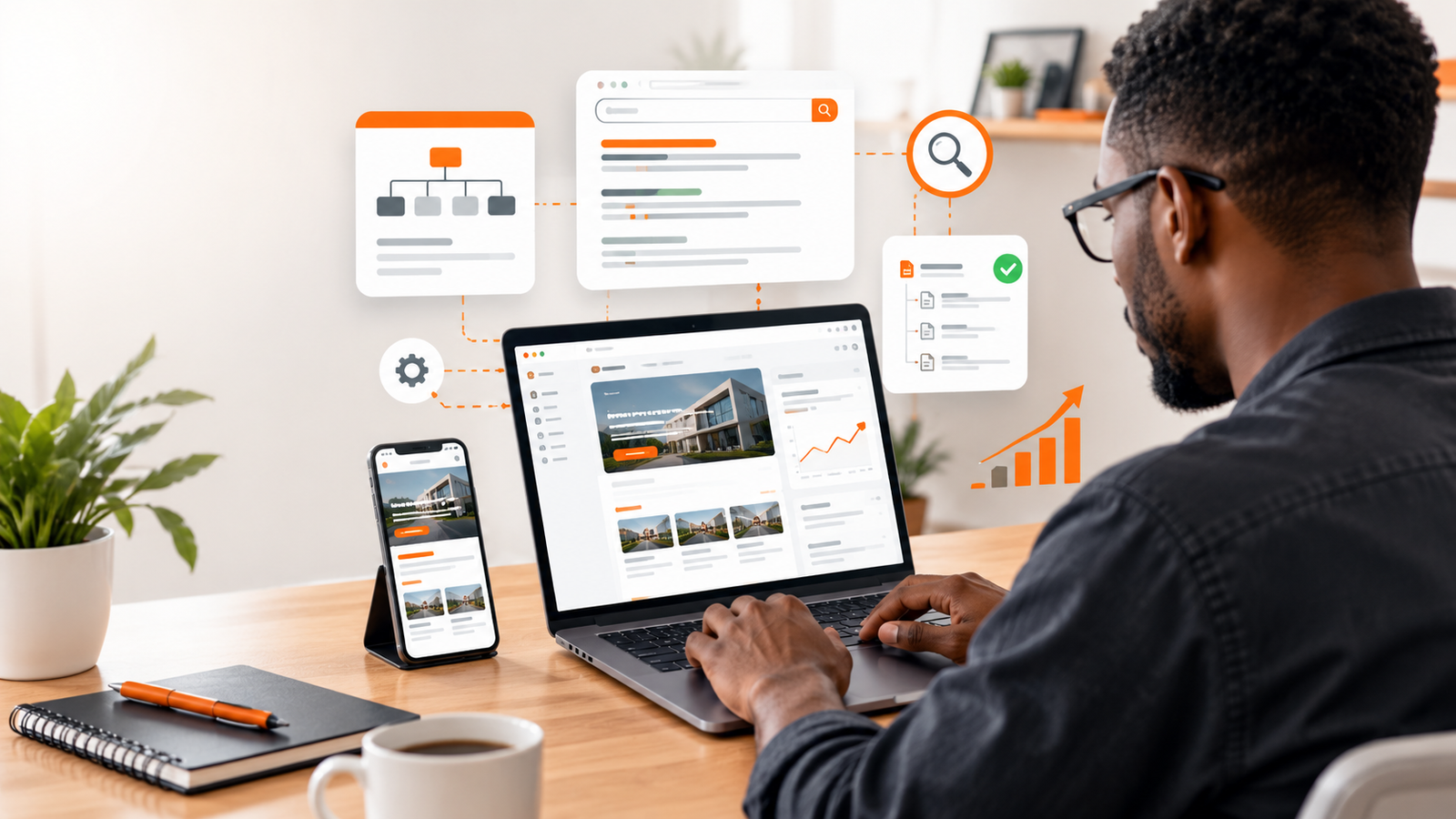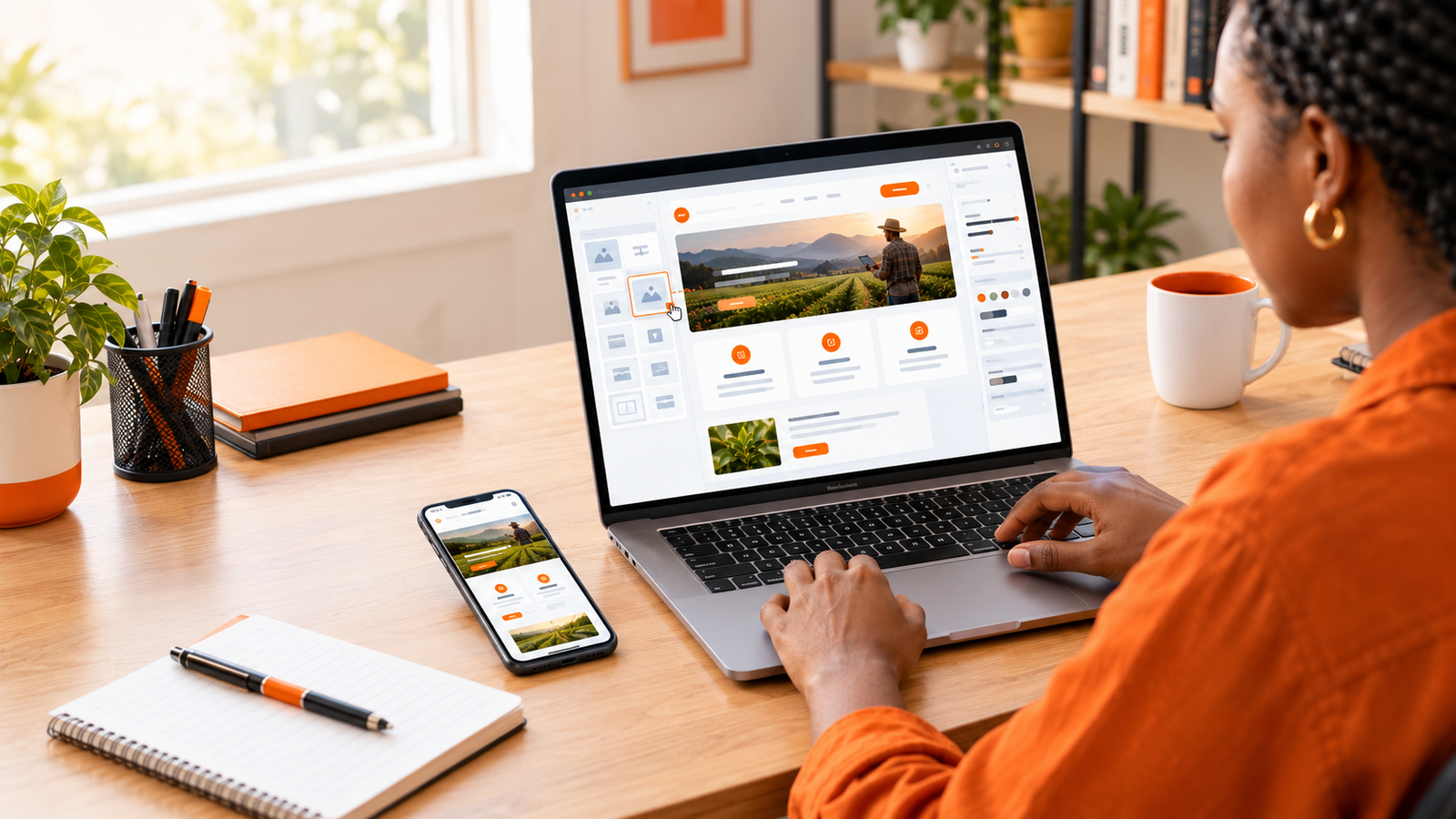
Imagine you run a catering business, a fashion store, a consulting service, or a small company that is ready to reach more customers online. You know you need a website, but the thought of learning HTML, CSS, JavaScript, or other programming languages makes the whole project feel complicated.
The good news is that you do not necessarily need to learn how to code to create a professional website. Modern website builders allow you to design pages, add images, display your services, publish contact information, and create an online presence using visual editing tools.
Some platforms even use artificial intelligence to help generate an initial website layout from a description of your business.
However, there is an important difference between creating a website that simply exists and building one that actually helps your business. A professional website needs clear information, a good user experience, fast loading pages, mobile-friendly design, and a straightforward way for visitors to contact you or take the next step.
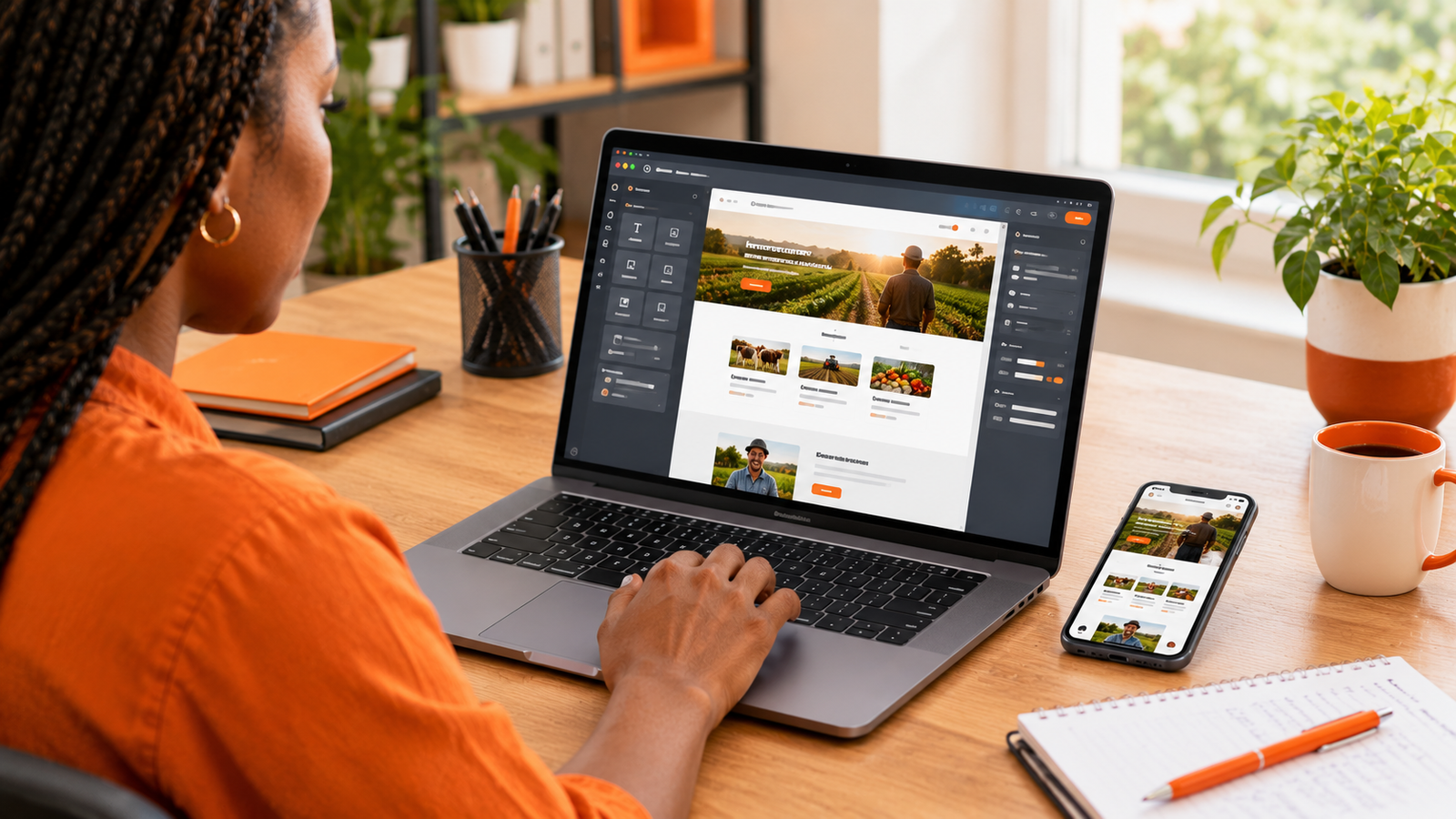
In this guide, we will walk through how to create a professional website without coding, the tools you can use, what to prepare before you start, and when a website builder may no longer be enough for your needs.
The short answer
Choose a website builder that suits your needs, prepare your business information, select a professional template, customize the pages, connect a domain name, and test everything before publishing. You can complete many basic business websites without writing code, although advanced functionality may require paid services or professional development.
1. Decide what your website needs to accomplish
Before choosing a website builder, identify the main purpose of your website. This decision influences which platform you should use, which pages you need, and how much you may eventually spend.
A website for a local electrician has different requirements from an online clothing store or a school that needs an admissions portal.
Start by asking yourself one simple question: What do I want visitors to do when they arrive on my website?
Business or company website
Best for businesses that want to explain their services, establish credibility, and receive enquiries.
Typical pages: Home, About, Services, Portfolio, Contact.
Online store
Best for businesses that want to display products, manage orders, and accept payments online.
Typical features: Product listings, shopping cart, checkout, order management, delivery information.
Portfolio website
Best for freelancers, designers, photographers, consultants, and other professionals.
Typical pages: Portfolio, About, Services, Testimonials, Contact.
Booking or appointment website
Best for salons, hotels, consultants, service providers, and businesses that schedule appointments.
Typical features: Service descriptions, availability, booking forms, confirmation messages, and possibly online payments.
If you are starting with a simple website, keep the first version focused. You can add more features as your business grows, provided you choose a platform that supports your future requirements.
2. Choose a website builder that fits your needs
A website builder is a platform that helps you create and manage a website without manually writing all the code. Most provide templates, visual editing tools, page-management features, and hosting options or integrations.
However, not all website builders are designed for the same type of user. Some prioritize simplicity, while others offer more flexibility, e-commerce features, or control over the underlying website.
Here are six options worth exploring.
Option 1: Wix
Wix is a visual website-building platform designed to help users create websites without having to build every component manually.
It can be a good option for a small business that wants a company website, portfolio, service pages, or other standard website features without managing a traditional web development workflow.
Consider it if: You prefer a visual editor and want to build and manage your website through a hosted platform.
Check before choosing: Review the current pricing, domain options, storage limits, business features, and restrictions associated with your preferred plan.
Option 2: WordPress.com
WordPress.com offers a hosted website platform that can support blogs, business websites, and content-rich publications.
It is particularly worth considering if you intend to publish articles regularly, build a resource library, or develop a website around content marketing.
WordPress.com should not be confused with WordPress.org, which provides the open-source WordPress software commonly installed on independently managed hosting.
Consider it if: Publishing content is central to your website and you want a platform designed to support ongoing content management.
Option 3: Shopify
Shopify is an e-commerce platform for businesses that want to sell products online.
Rather than assembling an online store from unrelated tools, you can use an e-commerce-focused platform to manage product listings, orders, and supported payment options.
Consider it if: Selling products and managing online orders are the main reasons you need a website.
Important: Check transaction-related charges, subscription costs, supported payment gateways, and regional availability before committing. Payment options available in one country may not be available in another.
Option 4: Squarespace
Squarespace provides website templates and visual editing features, with an emphasis on presentation and design.
It may be worth exploring if your business depends on presenting high-quality visual content, such as photography, creative work, professional services, or selected product collections.
Consider it if: You value design consistency and want a relatively straightforward way to manage a polished website.
Option 5: Webflow
Webflow provides a visual website design environment with more detailed control over layouts and styling than many beginner-focused builders.
It can be useful for people who want greater design flexibility without manually writing every part of the website. However, its interface and concepts may take longer for a complete beginner to learn.
Consider it if: You want detailed design control and are comfortable learning a more advanced visual editor.
Option 6: Google Sites
Google Sites provides a simple way to create basic websites and information pages.
It may suit an internal resource page, a straightforward informational website, or a small project where advanced design and e-commerce capabilities are not priorities.
Consider it if: You need a simple information-focused website and do not require extensive customization.
Which builder should you choose?
Choose based on what your website must do, not simply which platform is most popular. A basic business website, a content-heavy blog, and an online store have different requirements. Test the editor, check the total cost, and confirm that the features you need are available before committing.
3. Prepare your business information before designing
One of the most common reasons website projects take longer than expected is that the owner starts designing before preparing the content.
You choose a template, adjust the colors, experiment with layouts, and then discover that you do not have clear descriptions of your services or suitable photographs.
Preparing the basic information first makes the entire process easier.
Before opening your website builder, gather the following:
- Business name: Use the name customers recognize.
- Logo: Prepare a clear version suitable for both desktop and mobile screens.
- Business description: Explain what you do, who you serve, and what makes your offering useful.
- Services or products: Write clear descriptions of what customers can buy or request.
- Contact information: Prepare your business email, phone number, and other relevant contact methods.
- Images: Gather suitable photographs, product images, or project examples that you have permission to use.
- Customer questions: List the questions people frequently ask before buying.
- Call to action: Decide whether visitors should call, request a quotation, book an appointment, or make a purchase.
You do not need to write every sentence perfectly before you begin. The objective is to understand what information the website needs to communicate.
AI writing assistants can help you organize your notes into initial drafts. However, review the final text carefully so it accurately represents your business rather than sounding like a generic template.
4. Choose a professional domain name
Your domain name is the address people use to visit your website, such as yourbusiness.com.
A suitable domain helps customers find your website and gives your business a consistent identity across your online channels.
How to choose a good domain
- Keep it reasonably short and easy to spell.
- Choose a name that relates to your business or brand.
- Avoid unnecessary numbers and complicated punctuation.
- Check that the name does not create confusion with another business.
- Consider the domain extension that suits your audience and market.
- Check renewal prices and the registrar's terms before purchasing.
Many website builders offer a temporary address or subdomain. This can be useful while testing your website, but a custom domain is generally preferable for a business that wants a consistent, professional identity.
For example, a business might initially use a platform-provided address and later connect its own domain when it is ready to publish.
Before buying, check whether your chosen builder allows you to connect a domain under the plan you intend to use. Some plans restrict custom domains or display platform branding.
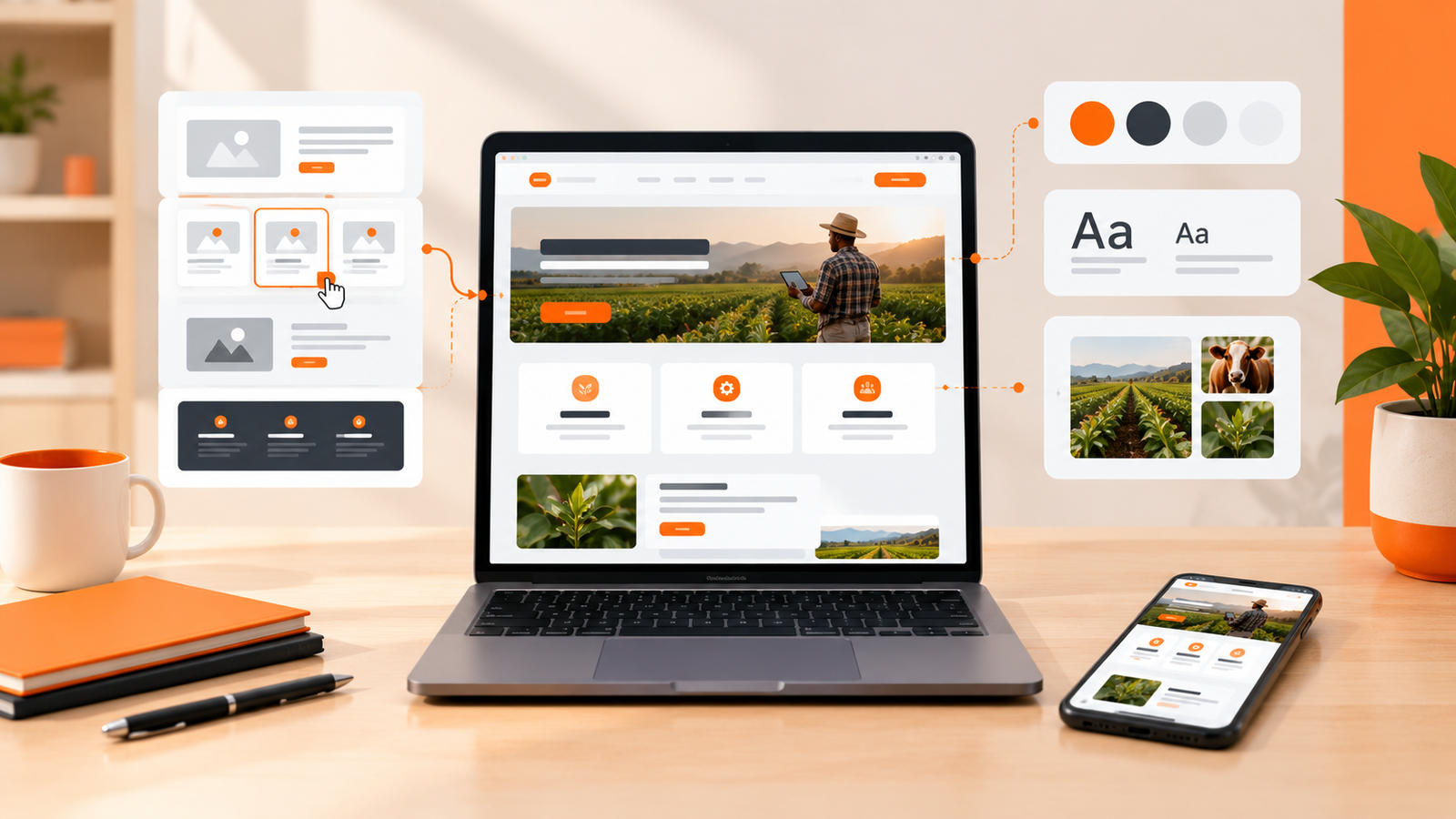
5. Select a template and customize your design
Most no-code website builders provide ready-made templates. These give you a starting layout for your homepage, navigation, text sections, images, and other page elements.
A template can save time, but selecting one does not automatically make your website professional. The final result depends on how well you adapt it to your business.
Use a consistent visual identity
Choose a small set of brand colors and use them consistently. One primary color, a secondary accent, and neutral backgrounds are often enough.
Choose fonts that are easy to read, especially on mobile devices. Avoid using too many font styles or decorating every section with a different visual effect.
Keep the layout easy to understand
Visitors should be able to understand what your business does without searching through several pages.
Your homepage should communicate the main benefit of your offering, provide a clear next step, and guide visitors toward the information they need.
Use genuine images where possible
Real photographs of your products, team, workplace, or completed projects can make your website more credible.
If you use stock images or AI-generated visuals, choose images that support the actual message of the page. Do not use an image that falsely suggests you own a location, employ a team, or have completed a project when that is not true.
Avoid unnecessary effects
Animations, moving banners, and decorative elements can sometimes improve presentation, but too many may distract visitors or slow the website down.
Prioritize clear information, readable text, and straightforward navigation before adding visual effects.
6. Create the essential pages of your website
A professional website does not need dozens of pages from day one. It needs the right pages for your business and your customers.
Homepage
Your homepage introduces your business and helps visitors understand what you offer. Explain who you serve, what you do, and what makes your services relevant.
Include a clear call to action, such as requesting a quotation, viewing products, or booking a consultation.
About page
Use this page to explain your business, your experience, your approach, and why customers should consider working with you.
Avoid filling the entire page with vague statements. Give visitors specific information that helps them understand your business.
Services or products page
Describe your services or products clearly. Explain what is included, who each offering is suitable for, and how a customer can proceed.
If you offer several services, organize them into meaningful sections rather than placing everything in one long paragraph.
Contact page
Make it easy for customers to reach you. Include the appropriate contact details and, where useful, a contact form, business location, or booking option.
Test the form yourself to ensure that messages reach the correct inbox and that customers receive clear confirmation.
Privacy policy and other necessary information
If your website collects personal information, uses analytics, processes payments, or uses advertising and tracking technologies, provide appropriate privacy disclosures and follow the rules that apply to your business and audience.
Depending on the website, you may also need terms of service, refund policies, delivery information, or other disclosures. Make sure these accurately reflect your actual practices.
7. Make your website mobile-friendly
A website can look attractive on a laptop and still be difficult to use on a phone. This matters because many people discover businesses and browse websites using mobile devices.
Most modern website builders offer responsive templates or mobile editing features, but you should still test your own website rather than assume everything will display correctly.
Check these mobile design details
- Text should be readable without requiring visitors to zoom in.
- Buttons should be easy to tap.
- Menus should be easy to open and navigate.
- Images should fit the screen without creating unwanted horizontal scrolling.
- Forms should be practical to complete on a phone.
- Important contact details should be easy to find.
- Pop-ups should not block the main content unnecessarily.
Open your website on your own phone and test the main tasks a customer would perform. If possible, test it on different screen sizes and browsers.
A professional website should not force visitors to work hard just to find your services or contact information.
8. Add the features your customers actually need
The right website features depend on your business model. Start with the features that help visitors complete important tasks, then add more as your requirements become clearer.
| Business type | Useful features |
|---|---|
| Professional services | Service pages, contact forms, portfolio, quotation requests. |
| Retail business | Product catalogue, stock information, ordering, delivery details. |
| Restaurant | Menu, opening hours, location, reservations, ordering. |
| Consultant | Professional profile, service descriptions, appointment booking. |
| Content publisher | Blog, search, categories, newsletter, article pages. |
Remember that a feature advertised by a platform may require a paid plan, an additional extension, or a third-party service.
Before installing anything, check the price, compatibility, support, privacy implications, and whether the feature can be removed or replaced later.
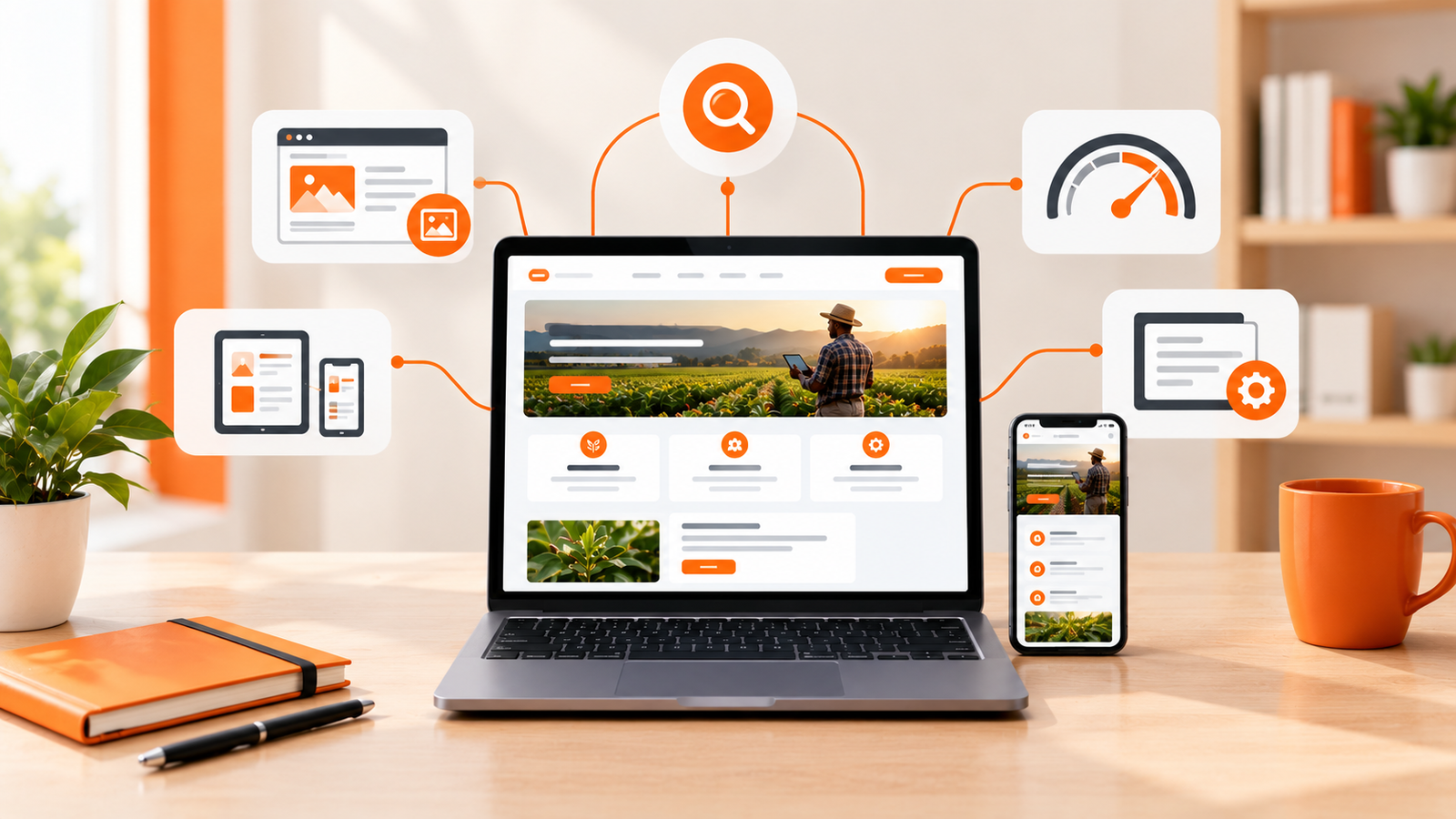
9. Optimize your website for Google Search
Publishing a website does not guarantee that people will find it on Google. Search visibility depends on many factors, including the usefulness of your content, technical accessibility, competition, and how well your pages satisfy search intent.
You do not need to be an SEO specialist to establish a sensible foundation.
Write clear page titles
Give each important page a descriptive title that tells people what it covers. A title such as "Website Design Services for Small Businesses" communicates more than a vague label such as "Welcome."
Use descriptive headings
Organize information with meaningful headings and subheadings. This helps readers understand the page and makes long content easier to scan.
Create useful content
Explain your services, answer common customer questions, and provide information that helps visitors make decisions. Do not fill pages with repetitive keywords or copy content from competing websites.
Optimize images
Use appropriately sized images and modern formats where supported. Write meaningful alternative text for informative images, and avoid unnecessarily large files that slow down page loading.
Connect Google Search Console
Google Search Console helps website owners monitor how their pages appear in Google Search and identify certain indexing or technical issues.
After publishing, use Search Console to check whether Google can access your pages and to monitor search impressions, clicks, and queries as data becomes available.
You can also consult Google's official SEO Starter Guide for practical guidance.
10. How much does it cost to create a website without coding?
The cost depends on the platform, the features you need, and whether you choose to do the work yourself or hire someone to help.
Some builders let you experiment with a free plan or temporary website address. However, a business website with a custom domain, e-commerce functionality, advanced integrations, or additional services may involve recurring costs.
Instead of assuming that every website can be built for free, consider the complete cost of operating it.
| Potential expense | What to check |
|---|---|
| Website builder | Monthly or annual subscription and renewal pricing. |
| Domain name | Registration, renewal, and transfer costs. |
| Hosting | Whether hosting is included or purchased separately. |
| Business email | Whether a professional email address is included. |
| Extensions and integrations | Fees for booking systems, marketing tools, or other features. |
| Payments and transactions | Gateway availability, transaction fees, and payment processing charges. |
| Maintenance | Updates, backups, support, security, and ongoing changes. |
If you are comparing platforms, calculate the total cost over at least one year rather than looking only at the introductory price.
A free plan can be an excellent way to learn and experiment. It may not be the most appropriate long-term option if your business needs a custom domain, advanced functionality, greater control, or a professional support arrangement.
11. Test your website before publishing
Before announcing your website to customers, review it as though you were visiting for the first time.
A professional-looking homepage will not help much if the contact form fails, the phone number is incorrect, or the navigation leads to empty pages.
Use this pre-launch checklist.
Website launch checklist
- The business name, logo, and contact information are correct.
- Every important page has complete, useful content.
- Navigation menus and buttons work properly.
- Contact forms deliver messages to the correct destination.
- The website displays correctly on mobile and desktop screens.
- Images load correctly and have appropriate dimensions.
- There are no obvious spelling errors or placeholder texts.
- The domain and HTTPS configuration work correctly.
- Privacy disclosures and other relevant policies are in place.
- Important pages have descriptive titles and headings.
- Forms, bookings, checkout, and other key features have been tested.
- Analytics and search monitoring are configured where appropriate.
After launch, continue checking your website. A website is not a one-time project: business information changes, software needs maintenance, and customers may identify problems you did not notice during testing.
12. Common mistakes to avoid when building a website without coding
Choosing a platform before defining your needs
A builder may look impressive but lack a feature your business eventually needs. Write down your essential requirements before choosing a platform.
Using a free subdomain indefinitely without considering your brand
A temporary address can be useful during development. However, a business should evaluate whether a custom domain would provide a more consistent and professional identity.
Copying another business's website
You can study other websites for inspiration, but do not copy their text, images, brand assets, or distinctive design without permission. Create a website that reflects your own business and its customers.
Ignoring mobile users
Do not assume that a design that looks good on a computer will automatically provide a good mobile experience. Test the real published layout on smaller screens.
Adding too many features too early
Every additional integration can introduce extra cost, complexity, and maintenance. Begin with the features that support your main business goals.
Assuming that publishing guarantees customers
A website gives your business a place to present its offerings, but it does not automatically generate traffic or sales. You may need search optimization, useful content, local visibility, referrals, social media, advertising, or other suitable marketing activities.
13. When is a no-code website builder not enough?
No-code tools have made website creation more accessible, but they do not eliminate every technical challenge.
A visual website builder may be perfectly suitable for a business that needs a homepage, service descriptions, a portfolio, and a contact form.
The situation changes when your requirements involve complicated business processes or functionality that a standard builder cannot support adequately.
You may need professional development if your website requires:
- Custom customer accounts and user permissions.
- A tailored booking, ordering, or subscription workflow.
- Complex inventory, reporting, or business management features.
- Integration with existing databases or specialized software.
- Custom payment flows or complicated third-party integrations.
- Advanced security and data-handling requirements.
- Specific performance, accessibility, or design requirements that the builder cannot meet.
You should also consider the long-term implications of the platform you choose. Some builders make it difficult to move your complete website to another system, so understand what you can export and what you may need to rebuild if your needs change.
A useful rule of thumb
If your main goal is to publish information and receive enquiries, a no-code builder may be all you need. If your website must perform complicated tasks, coordinate multiple systems, or support a unique business process, compare the cost and limitations of a builder with a custom-developed solution.
Frequently asked questions
1. Can I create a professional website without coding?
Yes. Website builders such as Wix, WordPress.com, Squarespace, and other visual platforms allow you to create many types of websites without manually writing code. The best option depends on your design preferences, budget, and required features.
2. What is the easiest website builder for beginners?
Ease of use depends on the type of website you want to create and how comfortable you are with technology. Try the editor, review the available templates, and test the features you need before choosing a platform.
3. Can I create a website for free?
Some platforms offer free plans or free ways to experiment with website creation. However, custom domains, advanced features, e-commerce capabilities, and removal of platform branding may require payment. Check the current plan details before committing.
4. Do I need to buy a domain name?
Not necessarily while experimenting, because some builders provide a temporary address. For a business that wants a consistent brand identity, a custom domain is generally worth considering. Check the domain and renewal costs before purchasing.
5. Can AI build a website for me?
Some AI website builders can generate an initial layout and draft content from a description of your business. You will still need to review the design, correct the information, configure the required features, test the website, and make sure it accurately represents your business.
6. Can I create an online store without coding?
Yes. E-commerce platforms can help you build product pages, organize a catalogue, and manage supported ordering and payment workflows. Before choosing one, check whether its payment gateways, delivery options, fees, and other features suit your location and business.
7. Will my website automatically appear on Google?
No. Publishing a website does not guarantee that Google will index or rank every page. Make sure your website is accessible to search engines, create useful content, configure relevant SEO settings, and monitor indexing through Google Search Console.
8. Can I change website builders later?
Sometimes, but the process can be difficult. Content, design layouts, forms, and integrations may not transfer directly between platforms. Review the available export options before choosing a builder, especially if you expect your website to grow.
9. When should I hire a professional web developer?
Consider professional help when your website needs custom functionality, specialized integrations, complex workflows, or technical requirements that a standard builder cannot meet. A developer can also help when you need a distinctive design or want to reduce the time spent managing the technical side of your website.
Final thoughts: Build a website that works for your business
Creating a professional website without coding is more achievable than ever. With a suitable website builder, a clear plan, useful content, and a little patience, you can establish an online presence without learning an entire programming language first.
Start by defining your goals, choosing a platform that meets your requirements, and creating the essential pages. Pay attention to mobile usability, clear messaging, security, and the experience visitors have when trying to contact you or buy from you.
Most importantly, remember that a website should support your business goals rather than simply look attractive.
If a simple builder meets your needs, use it. If your business eventually needs more advanced features, you can evaluate whether additional tools or professional development would provide better long-term value.
Need more than a website template?
A website builder is a great starting point, but some businesses need a solution designed around their specific services, customers, and operations.
XhoXa Tech Solutions helps businesses explore digital solutions, from professional websites to mobile applications and tailored software. If you need a website that goes beyond a standard template, get in touch to discuss your requirements.
Explore XhoXa Tech SolutionsAbout XhoXa Tech Solutions: We share practical insights on websites, software, AI, and digital business tools to help individuals and businesses make informed technology decisions.