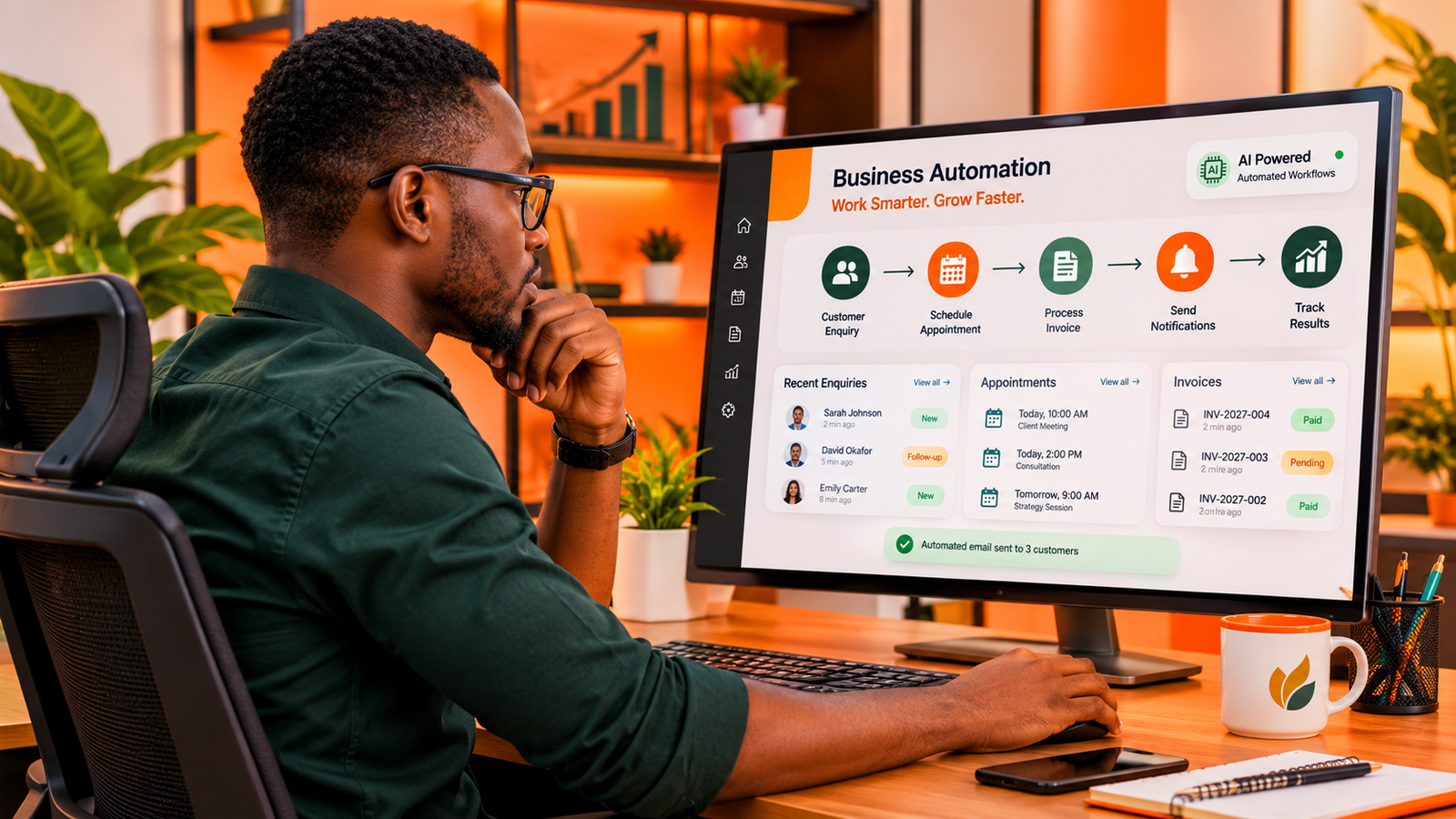
Artificial intelligence is gradually changing how businesses handle everyday work. Tasks that once required hours of manual effort, multiple employees, or constant attention can now be supported by software capable of understanding instructions, processing information and assisting with decisions.
One technology driving this change is the AI assistant. From answering customer enquiries and organizing documents to helping employees prepare reports, AI assistants are becoming practical tools for businesses of different sizes.
However, adopting AI is not simply about installing a chatbot and expecting it to transform an organization. The real opportunity lies in identifying where work gets delayed, understanding which processes can be improved and introducing AI where it provides measurable value.
In this guide, we explore seven practical ways businesses can use AI assistants in 2026, how these systems work, what to consider before adopting them and how to introduce them without unnecessarily complicating existing operations.
What Is an AI Assistant?
An AI assistant is a software system that uses artificial intelligence to understand requests, interpret information and help users complete different tasks.
Unlike traditional software that follows a fixed set of instructions, modern AI assistants can interpret natural language. This means employees can communicate with them using ordinary sentences rather than navigating complicated menus or learning specialized commands.
Depending on the system, an AI assistant may be able to:
- Answer questions using supplied information.
- Summarize lengthy documents and reports.
- Draft emails, proposals and business communications.
- Organize information from different sources.
- Help employees research topics and analyze data.
- Interact with connected business applications.
- Support repetitive administrative workflows.
Some assistants operate independently as standalone applications, while others are integrated into existing business software, websites, customer portals and internal systems.
The distinction matters because an assistant that simply answers questions has different capabilities from one that can retrieve information from a company's database, create records or initiate approved workflows.
AI Assistants vs. AI Agents: Are They the Same?
The terms AI assistant and AI agent are frequently used interchangeably, but they describe different levels of capability.
An AI assistant generally responds to requests and helps a person complete tasks. An AI agent can go further by planning and executing multiple steps toward a defined objective, often using connected tools and applications.
Consider a company that receives dozens of customer enquiries every day.
A conventional AI assistant could help draft responses to those enquiries. An AI agent, when properly configured and authorized, could classify incoming messages, retrieve relevant customer information, prepare responses and route complicated cases to the appropriate employee.
An AI assistant helps people work with information and complete tasks. An AI agent can execute a sequence of tasks toward a goal. Neither should automatically be trusted with unrestricted access to business operations.
Businesses should select the level of automation that matches their actual needs. Not every process requires an autonomous agent, and a well-designed assistant may be more appropriate for many everyday operations.
7 Practical Ways Businesses Can Use AI Assistants
1. Automating Customer Enquiries
Customer communication is one of the most obvious opportunities for AI adoption.
Businesses regularly receive questions about their products, services, opening hours, delivery arrangements, pricing and booking procedures. Answering the same questions repeatedly can consume considerable employee time.
An AI-powered customer assistant can help address this problem by providing responses using information approved by the business.
For example, an online furniture retailer could introduce an AI assistant that helps visitors:
- Explore available furniture collections.
- Understand product specifications.
- Find information about delivery.
- Check frequently asked questions.
- Receive guidance before contacting a salesperson.
The assistant can also collect information from customers before transferring complicated enquiries to a human representative.
This creates a more organized customer experience while allowing employees to concentrate on conversations that require personal attention.
However, businesses should ensure that the assistant uses accurate product information and does not invent prices, policies or availability.
2. Organizing Documents and Business Information
Many organizations have important information scattered across PDF documents, spreadsheets, emails, internal reports and shared folders.
Finding a particular piece of information can become frustrating, especially when employees must search through hundreds of files.
An AI assistant connected to an authorized document repository can make this information easier to access.
For example, an employee could ask:
"Find our latest supplier agreement and summarize the payment conditions, delivery obligations and contract expiration date."
Instead of manually opening several documents, the employee could receive a structured summary with references to the original material.
This approach can be useful in consulting firms, legal support departments, financial organizations, educational institutions and companies managing large amounts of documentation.
Access permissions are essential. Employees should only retrieve documents they are authorized to view, and important information should always be checked against its original source.

3. Supporting Sales and Lead Management
Sales teams often spend significant time performing activities that happen before an actual sale takes place.
These include organizing enquiries, collecting customer details, preparing follow-up messages and updating customer relationship management systems.
AI assistants can support several of these activities.
For instance, when a potential customer submits an enquiry through a company's website, an integrated assistant could:
- Read the submitted enquiry.
- Identify the product or service being requested.
- Extract relevant customer information.
- Classify the enquiry according to its requirements.
- Prepare a suitable follow-up response.
- Send the information to the appropriate sales representative.
With appropriate permissions and integrations, some of these steps can happen automatically.
The sales representative can then spend more time understanding customer requirements, preparing proposals and building relationships instead of manually organizing every incoming lead.
Importantly, AI should support the sales process rather than replace the judgment required to negotiate, understand customer needs and build trust.
4. Improving Internal Communication
Communication becomes increasingly complicated as organizations grow.
Employees exchange messages, attend meetings, prepare reports and share updates across multiple departments. Important information can easily become buried in long conversations.
AI assistants can help employees summarize discussions, extract action points and prepare structured updates.
Imagine a project manager who has just completed a lengthy meeting with several departments.
Instead of manually reviewing every discussion point, the manager could use an AI assistant to produce:
- A summary of the meeting.
- Decisions reached during the discussion.
- Outstanding issues.
- Tasks assigned to individual employees.
- Deadlines and follow-up requirements.
This can improve the consistency of internal communication and make it easier for employees to understand their responsibilities.
Meeting summaries should still be reviewed before being distributed, particularly when they contain sensitive decisions or commitments.
5. Analyzing Business Data and Preparing Reports
Businesses collect information from sales transactions, customer interactions, inventory systems, financial records and operational activities.
However, collecting information is not the same as understanding it.
AI assistants can make business data more accessible by allowing authorized employees to ask questions in natural language.
For example:
"Compare our sales performance for the last three months and identify the products with the highest increase in revenue."
When connected to reliable data sources and equipped with appropriate analytical capabilities, an assistant can help prepare summaries, identify patterns and explain important changes.
This is particularly useful for managers who need operational information but may not have the time or technical expertise to work directly with complex reporting tools.
Nevertheless, business decisions should not rely blindly on AI-generated analysis. The underlying data, calculations and assumptions must be verified.
6. Supporting Marketing and Content Operations
Marketing involves numerous activities, from researching audiences and planning campaigns to preparing content and evaluating performance.
AI assistants can help marketing teams organize these activities and reduce the time spent on repetitive work.
Some practical applications include:
- Developing initial content outlines.
- Researching customer questions and industry topics.
- Preparing alternative advertising messages.
- Summarizing campaign performance.
- Organizing content calendars.
- Adapting approved content for different communication channels.
For example, a marketing department could provide an AI assistant with an approved product description and ask it to prepare different versions for a website, email newsletter and social media campaign.
Employees can then review the drafts, improve the messaging and ensure that the final material reflects the company's identity.
AI-generated content should not be published without editorial review. Accuracy, originality, audience relevance and brand consistency still require human attention.
7. Connecting Different Business Systems
One of the more valuable applications of AI assistants is their ability to work alongside existing business software.
Many organizations operate separate systems for customer management, accounting, inventory, project management, communication and reporting.
When these systems do not communicate effectively, employees may repeatedly transfer information between applications.
A properly engineered AI assistant can serve as an interaction layer between authorized systems, helping employees retrieve information and initiate approved actions.
For example, a service company could introduce an internal assistant that helps employees:
- Retrieve customer records.
- Check the status of service requests.
- Locate outstanding invoices.
- Review project progress.
- Prepare operational summaries.
The important consideration is integration. An AI assistant becomes substantially more useful when it can work with the actual systems and information that keep a business operating.

What Should Businesses Consider Before Adopting AI Assistants?
Despite their potential, AI assistants are not suitable for every task, and introducing them without proper planning can create additional problems.
Before implementing one, businesses should consider several important factors.
Data Privacy and Security
AI assistants may process customer information, internal documents, financial records and other sensitive business data.
Organizations should understand where information is processed, how it is stored, whether it is used to improve external models and which employees or systems can access it.
Business owners should examine the provider's data protection policies, contractual terms, access controls and available security measures before connecting sensitive information.
Accuracy and Human Oversight
AI systems can produce incorrect answers, misunderstand instructions or generate information that appears convincing but is inaccurate.
This is particularly important when assistants are used for financial reporting, legal documentation, healthcare-related information or customer commitments.
Businesses should establish approval procedures for important actions and make it clear when an employee must verify an AI-generated response.
The National Institute of Standards and Technology provides guidance through its AI Risk Management Framework and Generative AI Profile, which organizations can use when developing responsible AI practices.
Integration With Existing Systems
A business should not purchase an AI tool simply because it has impressive features.
It should first establish whether the tool can connect to the applications and information employees already use.
A disconnected assistant may create another place where employees must search for information instead of simplifying their work.
Cost and Measurable Value
AI implementation can involve subscription fees, API usage, software development, integration, employee training and ongoing maintenance.
The total cost should be evaluated against the operational improvement expected from the system.
For example, if an assistant saves employees several hours each week, reduces avoidable customer support delays or improves the handling of sales enquiries, the business can measure whether those improvements justify the investment.
How to Introduce an AI Assistant Into Your Business
Businesses do not need to automate everything at once. A gradual approach can make implementation easier to manage and evaluate.
Step 1: Identify a Repetitive Business Problem
Start by examining everyday operations.
Look for tasks that consume employee time, involve repeated information processing or create unnecessary delays.
Customer enquiries, document searches, report preparation and lead organization are possible starting points.
Step 2: Define What the Assistant Should Do
Establish the exact responsibilities of the assistant.
Determine what information it needs, which systems it should access and what actions it is permitted to perform.
Avoid giving an AI assistant unnecessary permissions simply because they are technically available.
Step 3: Choose the Appropriate Technology
Some businesses may benefit from an existing AI assistant that requires minimal configuration.
Others may need a custom solution integrated into their website, internal platform, customer portal or existing operational software.
The right choice depends on the complexity of the workflow, data requirements, security expectations and the level of control the organization needs.
Step 4: Test With Real Business Scenarios
Before making the assistant available across the organization, test it using realistic situations.
Check whether it understands requests, retrieves accurate information, handles unexpected questions and knows when to escalate a task to a human employee.
Step 5: Measure Results and Improve
Evaluate the system using measurable indicators.
Depending on its purpose, these could include:
- Average customer response time.
- Time spent completing administrative tasks.
- Number of enquiries successfully categorized.
- Employee adoption and satisfaction.
- Frequency of incorrect responses.
- Operational cost before and after implementation.
Use these findings to improve the assistant, refine its permissions and determine whether additional workflows should be introduced.
Will AI Assistants Replace Employees?
The question of whether AI will replace employees is understandable, particularly as these systems become capable of handling increasingly complex activities.
However, the more useful question for businesses is how responsibilities should be divided between people and technology.
AI assistants are particularly useful for tasks involving repeated information processing, document summarization, classification and structured workflows.
Human employees remain essential for activities requiring accountability, complex judgment, relationship building, negotiation, creativity and an understanding of circumstances that may not be captured in available data.
In many organizations, the most practical approach is to combine human expertise with AI capabilities.
Employees define objectives, review important outputs and make decisions, while AI systems help reduce the time and effort required to complete supporting tasks.
This approach allows businesses to improve their operations without treating human involvement as an unnecessary part of the process.
The Future of AI Assistants in Business
AI assistants are moving beyond simple question-and-answer interfaces.
As models, integrations and automation technologies improve, businesses can increasingly connect AI capabilities to the systems responsible for their everyday operations.
This creates opportunities for more connected workflows, where employees can access information, coordinate tasks and interact with business applications through a unified interface.
However, the future of business AI will not be determined by how many assistants an organization installs. It will depend on whether those systems solve meaningful problems, work reliably and fit into the way the organization operates.
Final Thoughts
AI assistants offer businesses an opportunity to rethink how everyday work gets done.
From customer communication and document management to sales support, reporting and system integration, these technologies can help organizations reduce repetitive work and make information more accessible.
But successful adoption requires more than choosing a popular AI tool. Businesses need to understand their processes, establish appropriate safeguards and identify where automation can produce measurable improvements.
The best starting point is often a single problem that employees repeatedly encounter. Solve that problem effectively, measure the results and expand from there.
As businesses become increasingly dependent on connected digital systems, the ability to combine software, data, automation and human expertise will become an important part of building efficient organizations.
Building a More Connected Business?
The right technology should make business operations simpler, not introduce another layer of complexity.
From digital platforms and internal business systems to AI-powered products and workflow automation, XHOXA helps organizations turn operational challenges into connected digital solutions.
Frequently Asked Questions
What is the best AI assistant for a business?
The best AI assistant depends on the organization's requirements. Some businesses need help with document processing and communication, while others require assistants connected to customer databases, internal applications and operational workflows.
Can small businesses use AI assistants?
Yes. Small businesses can use AI assistants for customer enquiries, content preparation, document organization, research and administrative support. Many solutions offer entry-level plans that allow businesses to start without building custom software.
Can an AI assistant be integrated into a business website?
Yes. AI assistants can be integrated into websites to help visitors find information, explore products, understand services and submit enquiries. More advanced implementations can connect to approved business systems and databases.
Are AI assistants secure for business use?
Security depends on the provider, implementation and information being processed. Businesses should evaluate data handling policies, access permissions, encryption, retention practices and available security controls before deploying an assistant.
What is the difference between an AI chatbot and an AI assistant?
A traditional chatbot usually follows predefined conversational rules, while an AI assistant can interpret natural language and help with a wider range of tasks. Modern chatbots can also use AI, so the distinction depends on their underlying capabilities.
Do businesses need custom AI assistants?
Not always. Existing tools may be sufficient for general productivity tasks. Custom AI assistants become more useful when an organization needs specific business knowledge, integrations, permissions, workflows or functionality that standard products cannot provide.